
쿠피 · KOOFY LAB
How to read TXT and EPUB files on iPhone or Android
Import a downloaded TXT or EPUB file into Koofy Reader to read it like a book, adjust the text size and return to your saved position.
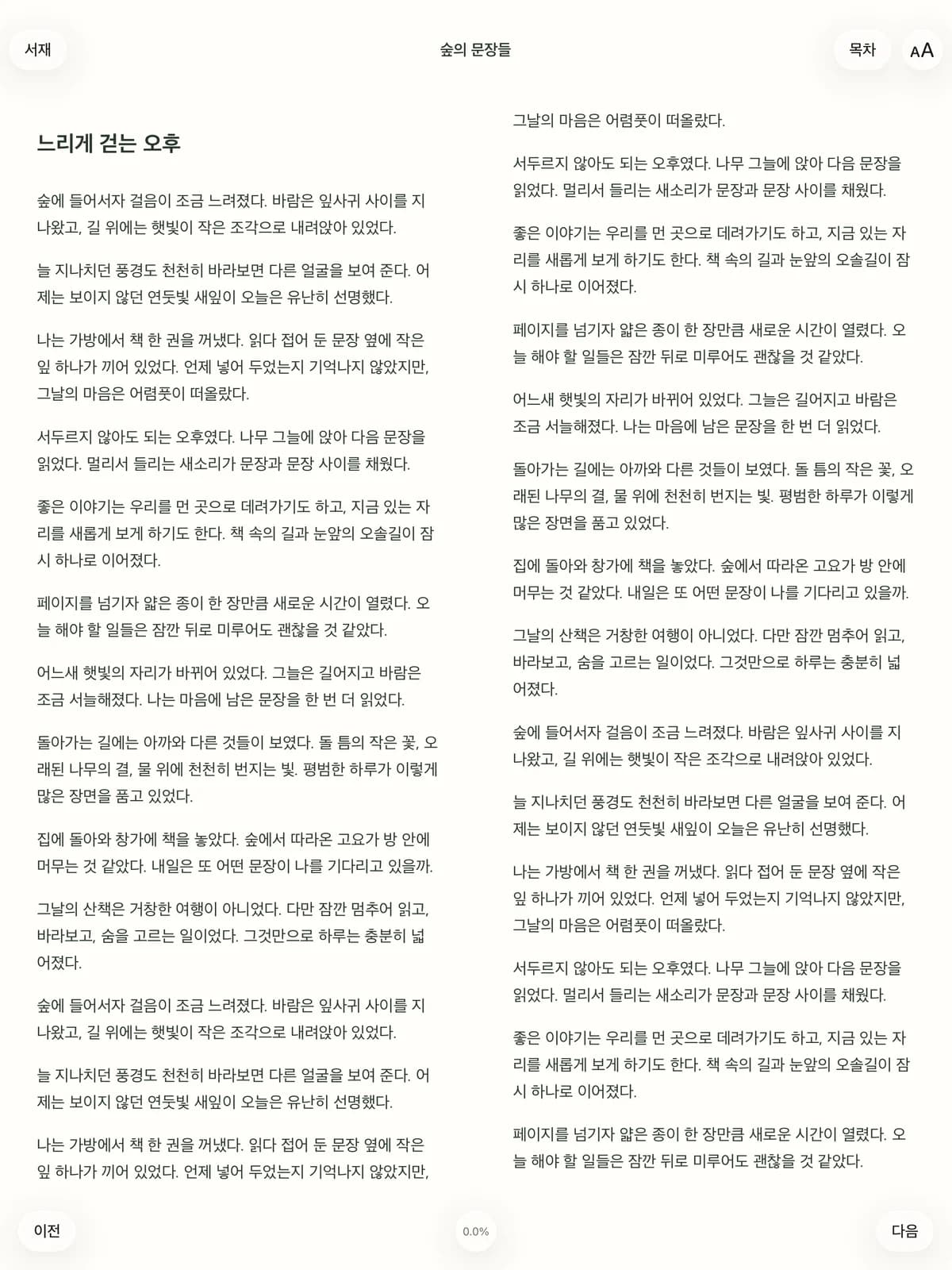
Step by step
- Install Koofy Reader from the App Store or Google Play.
- Choose Add book in the library and select a TXT or EPUB file saved on your device.
- Open the imported book and adjust the reading settings.
- Open the same book later to continue from the saved position.
Before importing
Save the file on your device first. This workflow does not support DRM-protected EPUB files or PDF documents. Images are displayed when included in the EPUB file.
Adjust the text or listen
Use reading settings to change the font, text size and line spacing. For text-to-speech, check that a suitable voice for the book’s language is installed on your device.